
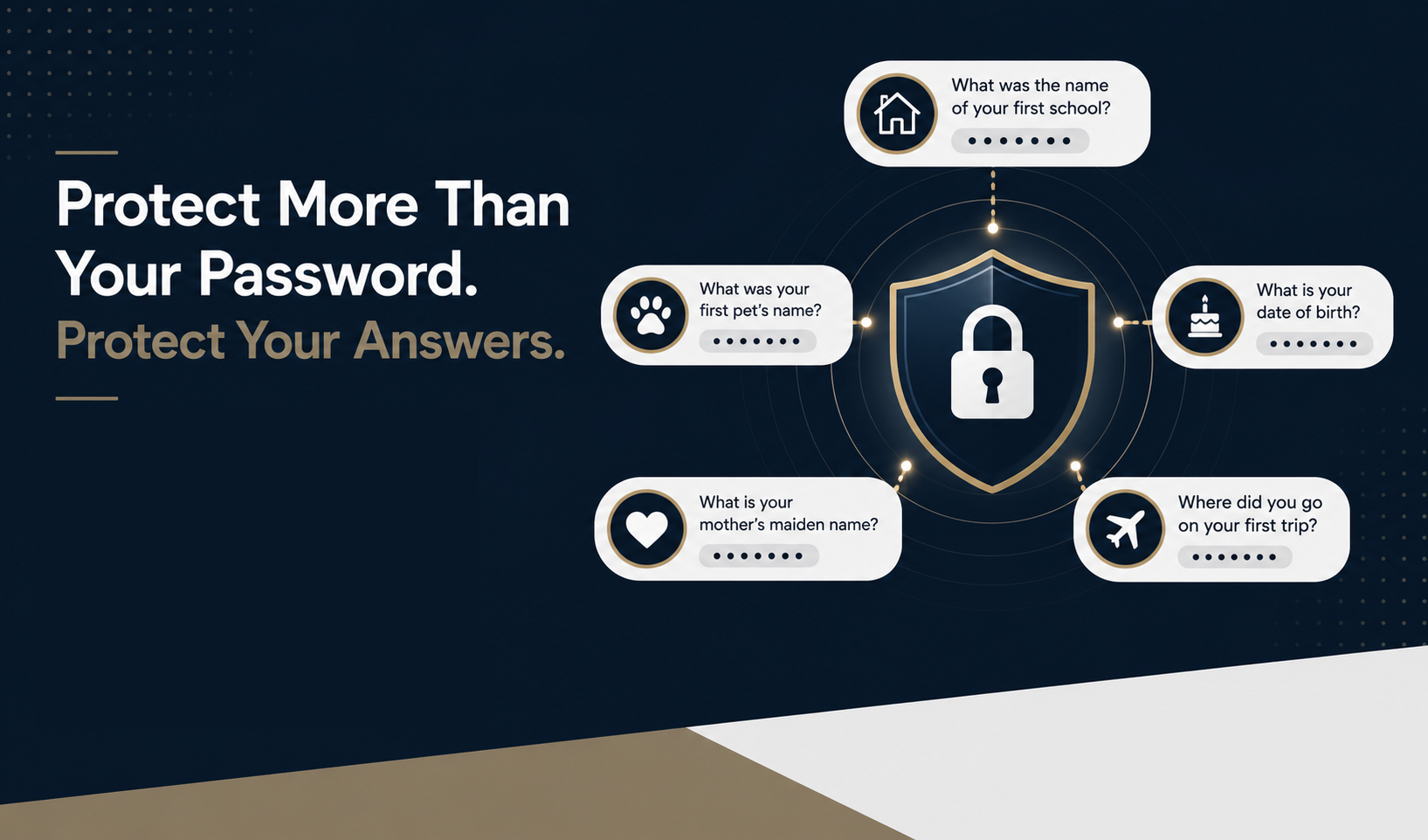
Most people know they need strong passwords. They know not to reuse the same password across multiple accounts. Many also use multifactor authentication for email, banking, Microsoft 365, or other business systems.
But there is another weak spot that does not get discussed nearly enough:
Security questions.
You have seen them before:
“What is your mother’s maiden name?”
“What was the name of your first pet?”
“Who was your favorite teacher?”
“What street did you grow up on?”
These questions may feel personal, but many of the answers are easier to find than people realize. That makes them a real cybersecurity concern for businesses, medical practices, nonprofits, and professional services firms.
A strong password helps, but if the account recovery question is easy to guess, the account may still be at risk.
Security Questions Were Built for Memory, Not Security
Security questions were designed to help people recover accounts when they forget a password.
The problem is that many of them rely on personal facts. Personal facts are easy to remember, but they are also easy to discover.
A password should be private, random, and hard to guess. A security question answer is often based on family history, childhood memories, school information, or public records.
That is why traditional security questions can create a false sense of safety.
Why Common Security Questions Are Risky
“What Is Your Mother’s Maiden Name?”
This is one of the most common account recovery questions, but it is also one of the weakest.
A mother’s maiden name can often be found through Facebook, genealogy websites, obituaries, wedding announcements, public records, or people-search sites.
Even if it is not listed in one obvious place, it may be possible to piece together from family connections, tagged posts, or archived information.
“What Was the Name of Your First Pet?”
Pet names are often shared casually online.
People post about pets on Facebook, Instagram, neighborhood groups, and family photo albums. They may mention a pet in a caption, comment, memorial post, or “just for fun” quiz.
That makes a question like “What was your first pet’s name?” much less secure than it appears.
“Who Was Your Favorite Teacher?”
This question can also be easier to guess than expected.
Many people list schools on Facebook, LinkedIn, alumni pages, professional bios, or reunion groups. Once someone knows where you went to school, they may be able to find teachers through yearbooks, school websites, local articles, or old classmates.
Even if the exact answer is not public, an attacker may have enough context to make a good guess.
Personal Information Is More Public Than You Think
A cybercriminal does not always need advanced hacking tools to find security question answers. They can often use public information from everyday websites.
That may include:
Facebook posts, family tags, comments, photos, and quizzes
LinkedIn profiles showing schools, past employers, and professional history
Genealogy websites with family relationships and maiden names
Public records, property records, court records, and obituaries
Business bios, nonprofit leadership pages, and conference speaker profiles
This is especially important for business owners, practice administrators, executive directors, office managers, and firm partners. Leaders often have more information online because they appear on websites, directories, boards, event pages, and professional profiles.
You do not need to disappear from the internet. But you should stop treating personal facts as secure account recovery answers.
Why This Matters for Businesses
Security questions may be connected to important business systems, including:
Email accounts
Banking portals
Payroll platforms
Accounting software
Domain registrars
Vendor portals
EHR or healthcare systems
Cloud applications
Insurance portals
Fundraising and donor platforms
For a medical practice, a compromised account could affect access to scheduling, billing, patient communication, or clinical systems.
For a law firm, CPA firm, or wealth management office, it could expose confidential client documents or financial information.
For a nonprofit, it could put donor data, payment information, or board communications at risk.
Security questions may seem small, but small gaps can create serious problems.
The Better Approach: Use Fake Answers
The safest answer to “What is your mother’s maiden name?” is usually not your mother’s actual maiden name.
Instead, use a fake answer that has nothing to do with your real life.
For example:
Mother’s maiden name: BlueCoffeeRiver92!
First pet: WindowStapleOrbit47
Favorite teacher: MapleTrainDelta19
The answer does not need to be true. It needs to be saved accurately and difficult for someone else to guess.
A cybercriminal can research your family, hometown, school, and old social media posts. But they cannot easily guess a random answer that has no connection to you.
Store Security Question Answers in a Password Manager
Fake answers only work if you can find them later.
That is where a password manager helps.
For each important account, store:
Website or application name
Username
Password
Security questions and fake answers
Recovery codes
Relevant account notes
Many password managers include secure notes for each saved login. That is a good place to store account recovery information.
For example:
Account: Business banking portal
Security Question: What was your first pet’s name?
Answer: RainLampCedar481
This keeps your recovery answers organized without relying on memory or real personal information.
Treat Security Question Answers Like Passwords
Here is the simple rule:
If it can help someone get into your account, protect it like a password.
Security question answers should be:
Unique for every account
Random or fake
Stored securely
Never shared in social media quizzes
Never based on public information
Updated if they may have been exposed
Do not reuse the same fake answer everywhere. If one account is compromised, attackers may try that same answer on other accounts.
A Practical Checklist for Your Team
If you manage a business, medical practice, nonprofit, or professional services firm, this is a smart topic to include in employee cybersecurity training.
Start with these steps:
Review important accounts that still use security questions.
Replace truthful answers with fake answers where the system allows it.
Store those answers in an approved password manager.
Avoid online quizzes that ask about your first pet, first car, childhood street, favorite teacher, hometown, or family details.
Use multifactor authentication wherever available.
Document account recovery steps so your organization is not dependent on one person’s memory.
Remove departing employees from shared password managers and recovery processes.
This is especially important for organizations with small teams, shared administrative duties, or limited internal IT support.
Better Security Does Not Have to Be Complicated
Security questions are easy to overlook because they feel familiar. But if the answer can be found on Facebook, LinkedIn, genealogy sites, or public records, it is not really a secret.
The fix is simple:
Use fake answers.
Store them securely.
Treat them like passwords.
That one habit can close a security gap many organizations miss.
Need Help Strengthening Account Security?
Bacheler Technologies helps businesses in Nashville, Montgomery, and across the Southeast improve cybersecurity, protect sensitive data, and reduce technology risk without making IT feel overwhelming.
If your organization is unsure whether your passwords, multifactor authentication, account recovery settings, or employee security habits are where they need to be, we can help you take a practical look.
Ready to improve your security posture? Contact Bacheler Technologies to start a conversation about safer, more reliable IT for your business.
FAQs
Are security questions safe to use?
They are weaker when they rely on real personal information. If a service requires them, use fake, unique answers and store them in a password manager.
Should I answer security questions truthfully?
Usually, no. A fake answer is safer as long as it is stored securely.
Where should I store fake security question answers?
Store them in a reputable password manager, ideally in the secure notes section for that account.
Can social media expose security question answers?
Yes. Posts, quizzes, comments, family tags, school details, pet photos, and old memories can reveal common account recovery answers.
What are examples of weak security questions?
Mother’s maiden name, first pet, favorite teacher, childhood street, high school mascot, first car, and city of birth are all common examples.
What should businesses do about security questions?
Review critical accounts, replace real answers with fake ones, store recovery details securely, use multifactor authentication, and include this topic in employee cybersecurity training.